



Delete your account from the Seconds app
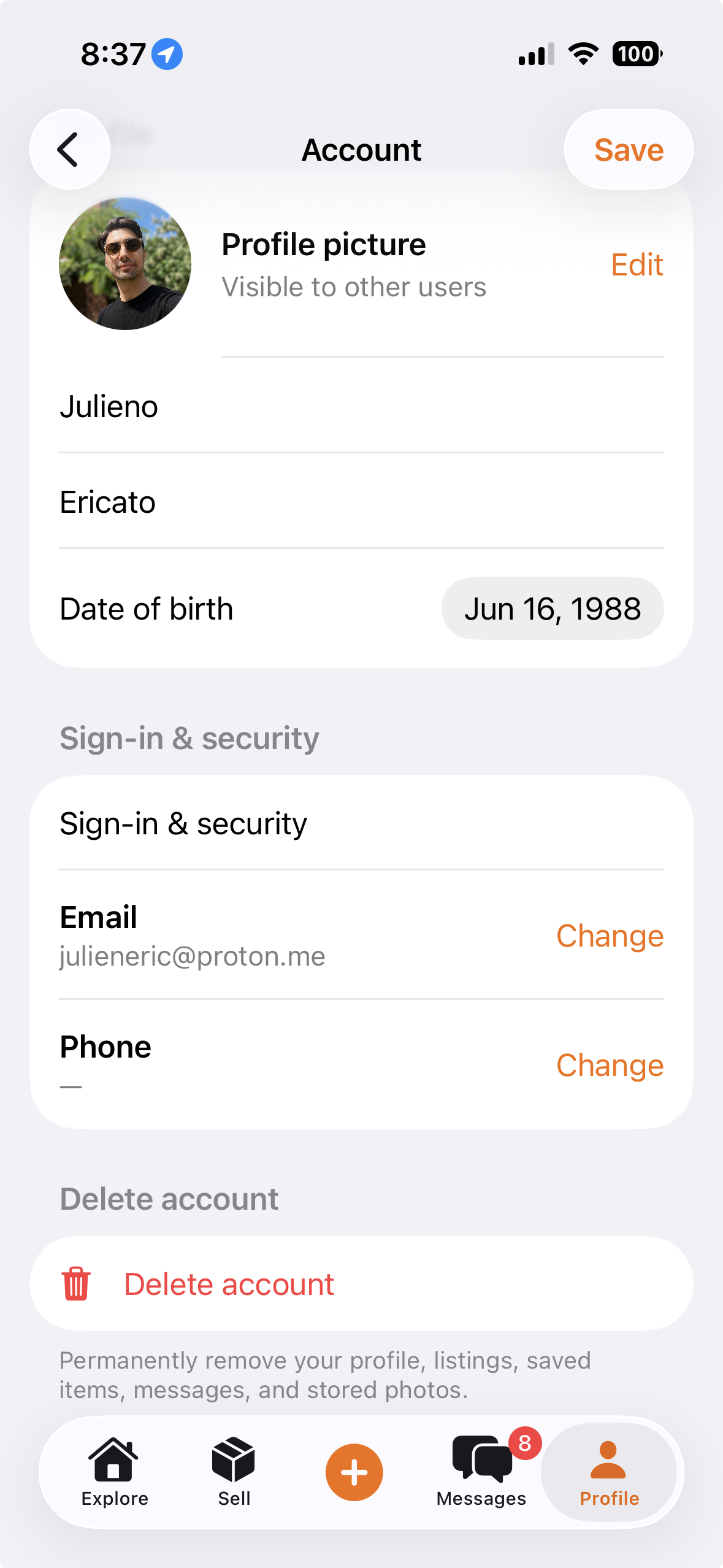
Users can delete their account directly from the Seconds app:
- Open Seconds.
- Go to Profile -> Settings.
- Select Delete Account.
- Confirm deletion.
What is deleted
When an account is deleted, Seconds deletes account data such as:
- Profile information.
- Listings.
- Saved searches and favorites.
- Messages, or anonymizes them where needed for safety, dispute, or legal records.
- Authentication credentials.
Limited retention
Some information may be retained for a limited period where required by law, fraud prevention, dispute resolution, safety enforcement, tax, audit, or payment processing obligations.
Contact
For questions about account deletion or privacy, contact support@seconds.place.